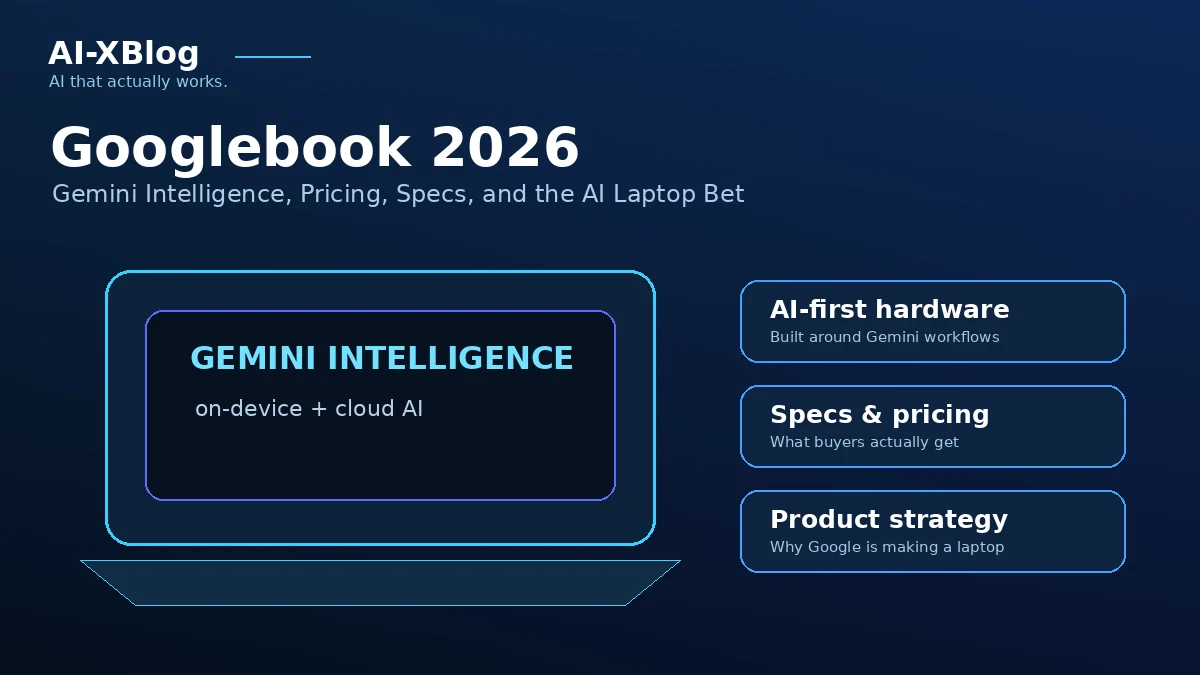
Googlebook is now a real product you can buy, not just the preview Google showed earlier in 2026. On September 21, Google opened pre-orders for its new premium laptop category, with prices starting at $899 and retail availability beginning October 4 in the U.S. and October 5 in Canada, the U.K., Ireland, France, Germany, and Australia.
The reason Googlebook matters to AI users is not the hardware alone. Google is positioning it as a laptop designed around Gemini Intelligence: Gemini can work directly with on-screen context through Magic Pointer, turn rough speech into structured writing with Rambler, generate custom desktop widgets, run task automations, and hand longer background work to Gemini Spark. Every Googlebook also includes Google Antigravity and a Linux terminal for agentic development.
Source check: September 21, 2026. This is a researched product guide based on Google’s official launch material and current availability information. AI-XBlog has not independently benchmarked Googlebook hardware, battery life, Gemini latency, or app compatibility.
Googlebook at a glance
| Area | Current launch details |
|---|---|
| Starting price | $899 in the U.S. |
| Pre-orders | Open from September 21, 2026 |
| Retail launch | October 4 in the U.S.; October 5 in Canada, U.K., Ireland, France, Germany, Australia |
| Launch partners | Acer, ASUS, Dell, HP, Lenovo |
| AI layer | Gemini Intelligence built into the desktop experience |
| Headline AI features | Magic Pointer, Rambler, Create My Widget, Gemini Live, task automations, proactive suggestions, Gemini Spark |
| Developer tools | Google Antigravity, Antigravity CLI, full Linux terminal; Google also explicitly mentions Claude Code |
| Included subscription | 12 months of Google AI Pro with 5 TB storage and Gemini Advanced tools |
| Software support | Google says regular feature drops and updates for up to 10 years |
What changed on September 21?
Google first previewed Googlebook in May 2026. The September 21 announcement changes the story from an upcoming concept into a commercial product: pre-orders are open, the first hardware partners and launch markets are confirmed, the starting price is public, and Google has detailed how Gemini is built into the desktop.
That distinction matters for searchers comparing whether to buy now. Earlier coverage focused on the idea of an Android-based AI laptop. The current buying decision is more concrete: Which Googlebook model fits your hardware needs, how useful are the Gemini features, and does the Android-first ecosystem justify switching from a MacBook, Windows laptop, or Chromebook?
Googlebook price and availability
Google says Googlebook starts at $899 in the U.S. The first wave is being built by Acer, ASUS, Dell, HP, and Lenovo, with different form factors rather than one single Google-made laptop.
Pre-orders opened September 21 through the Google Store, Best Buy, and selected retailers. Devices are scheduled to reach stores on October 4 in the U.S. and October 5 in Canada, the U.K., Ireland, France, Germany, and Australia.
Google’s launch materials also describe premium hardware requirements including up to 2.8K OLED displays, haptic glass trackpads, backlit keyboards, Intel and Qualcomm processors, dedicated NPUs above 45 TOPS, and up to 14 hours of battery life. Treat those figures as vendor claims until independent reviews test individual models.
12 months of Google AI Pro is included
Every Googlebook includes 12 months of Google AI Pro, which Google says provides 5 TB of cloud storage and access to its Gemini Advanced tools. The purchase also includes three months of YouTube Premium, Adobe Photoshop, and other benefits.
This bundle is important because Googlebook is not being sold as a one-time hardware purchase with a permanently fixed AI feature set. Some of the broader Gemini ecosystem is subscription-based. If you are comparing the included year with paying separately, see our Gemini pricing guide for current Free, AI Plus, Pro, and Ultra plan differences.
Do not assume every promotional benefit is available to every existing subscriber in every country. Google localizes subscription offers and eligibility, so the checkout terms for your market remain the final source of truth.
Magic Pointer brings Gemini to whatever is on screen
Magic Pointer is the most distinctive Googlebook AI interface. Instead of opening a separate chatbot, you can summon Gemini with a cursor gesture and ask it to work with the text, images, or context already on your screen.
Google’s examples include turning a training plan on a webpage into calendar events, checking whether an email looks suspicious, and combining selected images into a new visual. Google says Magic Pointer stays inactive until the user invokes it and can be switched off.
The broader idea is more important than any single demo: Gemini becomes a contextual layer over the desktop rather than another app window. That brings Googlebook closer to the computer-use AI category, although Google is integrating the capability into the operating experience instead of asking a remote agent to control a generic desktop.
Rambler is AI-native dictation, not simple transcription
Rambler turns spoken thoughts into structured writing. Google says it removes filler and mistakes, organizes action items, creates headings and bullet points, and supports multilingual speech where the speaker can switch languages mid-sentence.
That makes Rambler closer to a voice-to-document workflow than traditional dictation. The practical value will depend on latency, accuracy, privacy expectations, and how well it handles specialized vocabulary, none of which should be assumed from launch demos alone.
Create My Widget turns prompts into desktop tools
Create My Widget lets users describe a widget in natural language rather than coding it manually. Google gives examples such as score trackers and trip countdowns. Widgets can surface relevant information throughout the day and, depending on the workflow, can draw on Google services such as Search, Gmail, and Calendar.
This is a small but meaningful example of how generative AI is moving from answering questions to building lightweight software for individual users.
Gemini Spark can keep working in the background
Google says familiar Gemini features from Chrome and Android are available on Googlebook out of the box, including Gemini Live, task automations, and proactive suggestions. More notably, Gemini Spark can continue processing complex requests in the background even after you close the laptop.
That makes Googlebook relevant to the shift from chat assistants toward persistent agents. For a broader explanation of the difference between assistants, automations, and agents, see our AI agents guide.
Antigravity and a Linux terminal make Googlebook unusually developer-focused
Googlebook includes Google Antigravity, Google’s agent development platform, and a full Linux terminal environment. Google explicitly says developers can run tools such as Claude Code or Antigravity CLI locally on the device.
The Linux environment runs behind what Google describes as a Level 5 security-certified pKVM hypervisor. The intended design is to isolate developer workloads and autonomous agents while still giving them a serious terminal environment.
If you are building with Google’s hosted agent stack rather than only local tools, our Gemini Managed Agents and Antigravity API guide covers the current managed-agent ID, pricing model, sandboxes, and migration details.
Android phone integration is part of the value proposition
Googlebook is built on the Android technology stack with desktop foundations from ChromeOS. Google is using that shared base to create tighter continuity with Android phones.
- Continue On: resume supported phone activity from the laptop taskbar.
- Files: browse and search phone files and photos from the Googlebook Files app.
- Cast My Apps: stream and interact with phone apps inside a desktop window.
- Setup continuity: Google says supported settings, saved passwords, Wi-Fi networks, and messages can move with the user under end-to-end encryption.
This makes the purchase case strongest for people already invested in Android. An iPhone user can still use the web and Google services, but the deepest continuity features are clearly designed around Android.
Googlebook vs Chromebook: the important difference
Googlebook should not be treated as simply a premium Chromebook with a new badge. Google describes it as a new laptop category built on the Android technology stack while retaining desktop foundations from ChromeOS. It combines a desktop-class Chrome browser and extensions with Android apps from Google Play.
The strategic change is that Gemini is part of the system interaction model: cursor actions, dictation, widgets, proactive suggestions, background agents, and development tools are all being designed around AI from the start.
That said, buyers should not assume every existing Windows or macOS desktop application has a native Googlebook equivalent. Google highlights Android apps, Chrome web apps, and selected native creative tools such as Adobe Photoshop, Lightroom, and CapCut. Check the exact apps your workflow requires before treating Googlebook as a drop-in replacement for another desktop platform.
Who should consider Googlebook?
Googlebook looks most compelling for three groups:
- Android-first professionals who want phone-to-laptop continuity without building their workflow around Apple hardware.
- Heavy Gemini users who value system-level AI access more than opening a separate chatbot tab.
- Developers and AI builders who want Antigravity, a Linux terminal, local development tools, and an AI-native desktop in the same machine.
It is less obvious for users whose work depends on a specific Windows-only or macOS-only application, who do not use Android, or who already have a recent laptop and only need browser-based Gemini access.
What to verify before buying
- Your exact model: Googlebook is a category across several hardware manufacturers, so display, processor, ports, storage, battery, and biometrics vary by device.
- App compatibility: verify the desktop-class tools you actually need, not just whether an Android version exists.
- Google AI Pro eligibility: confirm how the 12-month benefit applies to your account and country.
- Launch market: the first retail wave is limited to seven countries.
- AI privacy controls: review which on-screen, app, account, and cloud data each Gemini feature can access before enabling broad integrations.
- Independent reviews: wait for production-hardware testing if battery life, thermals, performance, or display quality will determine your purchase.
Bottom line
Googlebook is one of the clearest attempts yet to make AI part of the laptop interface rather than an app layered on top of it. The $899 starting price puts it firmly in premium-laptop territory, so the buying argument depends on whether Magic Pointer, Rambler, Android continuity, Gemini Spark, Antigravity, and the included year of Google AI Pro create enough real workflow value.
The product is now concrete enough to evaluate, but independent reviews still matter. Google has published the feature set, launch countries, starting price, subscription bundle, and retail dates; it has not yet answered every question about real-world battery life, model-by-model performance, long-term AI subscription economics, or application compatibility.
FAQ
How much does Googlebook cost?
Googlebook starts at $899 in the U.S. Individual models from Acer, ASUS, Dell, HP, and Lenovo can cost more depending on hardware configuration.
When does Googlebook launch?
Pre-orders opened September 21, 2026. Google says retail availability begins October 4 in the U.S. and October 5 in Canada, the U.K., Ireland, France, Germany, and Australia.
Does Googlebook include Gemini?
Yes. Googlebook is designed around Gemini Intelligence and includes system-level features such as Magic Pointer, Rambler, Create My Widget, Gemini Live, task automations, proactive suggestions, and Gemini Spark.
Does Googlebook include Google AI Pro?
Google says every Googlebook includes 12 months of Google AI Pro with 5 TB of cloud storage and Gemini Advanced tools. Promotional eligibility and local terms can vary.
Can Googlebook run Claude Code?
Google explicitly says the full Linux terminal environment can run tools such as Claude Code and Antigravity CLI. Actual performance will depend on the selected Googlebook hardware and the tool’s own service requirements.
Is Googlebook a Chromebook?
Google positions it as a new category rather than a simple Chromebook rebrand. It uses the Android technology stack with desktop foundations from ChromeOS, combining Chrome extensions, Android apps, and deeper Gemini integration.
Primary sources
- Google: Googlebook is here and ready for pre-order
- Google: Googlebook and on-device Gemini introduce a new way to work
- Google: Googlebook is raising the bar for premium laptops
- Google: Introducing Googlebook, designed for Gemini Intelligence
- Reuters: Google opens pre-orders for $899 Googlebook laptops built around Gemini AI
- TechCrunch: Google’s $899 Googlebook is a bet that you’ll buy a new laptop for Gemini
AI-XBlog Weekly Brief
Keep up with AI that actually works
Join the AI-XBlog Weekly Brief for major AI updates, practical workflows, useful tools, and editor’s picks. No daily noise.
Reader discussion
Join the discussion
Have you tried this tool or workflow? Share your experience, corrections, or questions. Useful reader feedback may help us improve this article.
All comments are reviewed before publication. Your email address will not be published. Promotional links and low-value spam are removed.