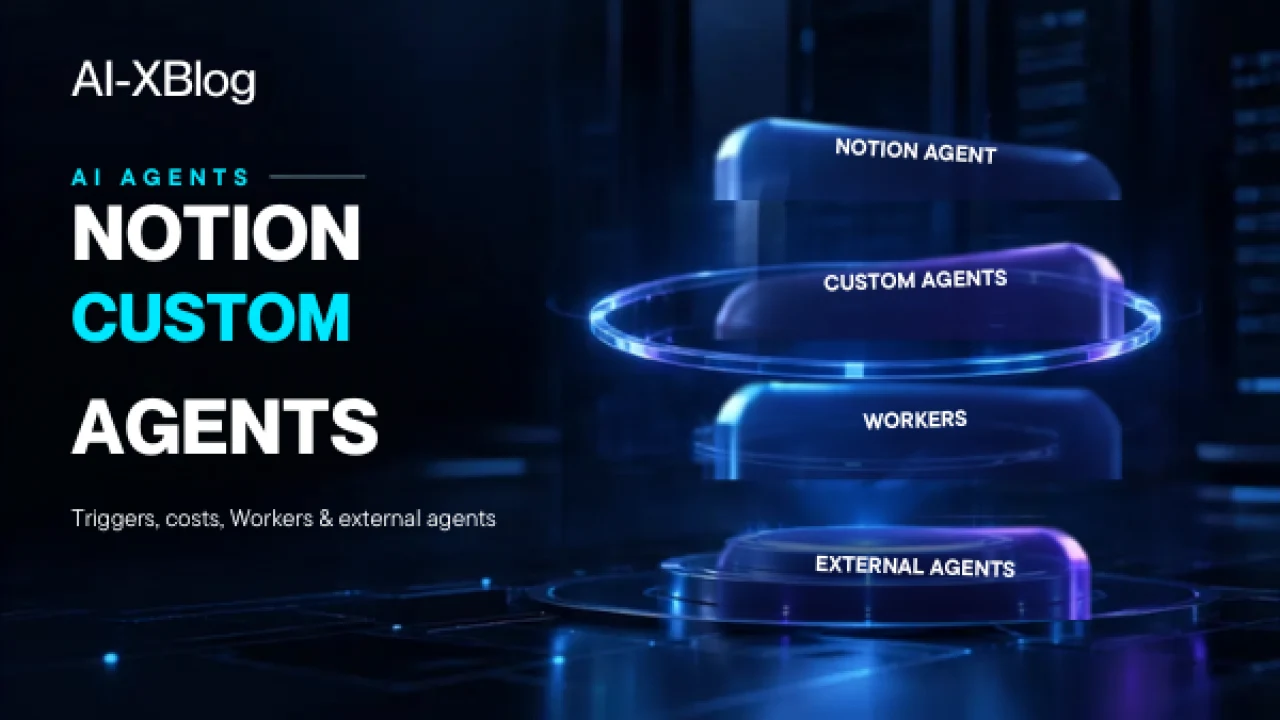
Notion’s AI product is no longer one assistant. By 2026, Notion has built a layered agent stack that includes the interactive Notion Agent, background Custom Agents, code-running Workers, External Agents such as Claude and Cursor, AI Meeting Notes triggers, Enterprise Search and a workspace-wide credit system.
That creates a new problem for teams evaluating Notion AI: the useful question is no longer “Does Notion have agents?” It is which agent layer should do which job, what can run automatically, what costs credits, where permissions apply, and when deterministic code should replace AI reasoning.
This guide is based on current Notion documentation and 2026 release notes. It is documentation-verified, not a claim that AI-XBlog has production-tested every Notion Agent feature in a live Business or Enterprise workspace. Several capabilities are still beta, staged or plan-restricted, so verify your tenant before designing a critical workflow around them.
The Notion agent stack in one table
| Layer | What it is | Best use | How it runs |
|---|---|---|---|
| Notion Agent | Interactive AI teammate inside Notion | One-time work, editing, research and workspace tasks | User asks it to act; it inherits the user’s access |
| Custom Agents | Shared background AI workflows | Recurring or event-driven work that needs reasoning | Schedules, workspace events and configured triggers |
| Workers | Custom code running on Notion infrastructure | Syncs, webhooks and deterministic tool execution | Scheduled runs, webhooks or Custom Agent tool calls |
| External Agents | Third-party agents surfaced in Notion | Bring coding agents into a shared team workflow | Notion coordinates while the external provider runs the agent |
| Enterprise Search | Cross-source retrieval and cited answers | Find knowledge across Notion and connected systems | Interactive search across approved sources |
The most important design principle is simple: do not use an autonomous AI agent when a cheaper deterministic Worker or a one-time Notion Agent request would solve the problem.
Notion added a complementary Skills layer on September 15, 2026. Skills are reusable instructions that capture how a team wants AI to perform recurring knowledge work—such as generating a monthly business review in a specific format or applying a consistent critique style. They do not replace Custom Agents or Workers: think of a Skill as reusable operating knowledge, an Agent as the reasoning/execution layer, and a Worker as deterministic code for reliable steps. Notion’s shared Skills Library is designed to make that know-how reusable across a workspace.
That is consistent with our broader AI Agents in 2026 framework: autonomy should be justified by the workflow, not added because it is technically possible.
Notion Agent: the interactive layer
Notion Agent is the AI teammate users interact with directly. Notion says it can use context from the workspace and connected apps to create and edit pages and databases. It operates with the user’s permissions: if you cannot view or edit something, your agent should not gain extra access to it.
This makes Notion Agent the sensible starting point for work that is interactive, irregular or still being defined. If a task happens once, or still needs a person to steer every step, turning it into a Custom Agent may add cost and complexity without adding value.
Custom Agents: recurring work that runs in the background
Custom Agents are the automation layer. Notion describes them as shared workflows that can read Notion pages, databases and certain connected apps, run on recurring triggers or workspace events, take actions such as filing bugs or updating records, and even hand part of a job to another Custom Agent.
The difference from Notion Agent is operational: Custom Agents are designed to run automatically in the background whether you are online or not.
Current Notion documentation requires Business or Enterprise for Custom Agents. Teams can build them on desktop or web and can start from AI-generated instructions, templates or a blank configuration.
Notion Mail shutdown date has arrived: email work is moving toward agents
September 22, 2026 is the official shutdown date for the standalone Notion Mail inbox. Notion says September 21 was the final day to save Mail-only data such as drafts, scheduled emails, snippets and auto-label instructions; anything not saved is subject to permanent deletion as the shutdown takes effect. Regular inbox email remains in Gmail.
The important distinction for automation users is that Notion’s Gmail-connected AI and agent email tools are not shutting down with the inbox app. Notion says the Gmail AI Connector will continue to search and draft email, and Custom Agents with Gmail access can continue handling email workflows. Existing synced email databases and views in Notion remain accessible after the shutdown, but new messages will stop syncing into those database views after September 22.
For teams that used Notion Mail, the migration window has now reached its cutoff. The practical next step is to verify what remained in Gmail, then rebuild recurring triage, labeling or drafting workflows around Gmail-connected Custom Agents where appropriate. Mail-only items that were not exported before the deadline may no longer be recoverable. See Notion’s official shutdown and migration guidance before relying on a legacy Mail workflow.
Triggers are what turn an agent into a workflow
A Custom Agent becomes useful when its trigger is specific enough that the workflow can run without constant human initiation. In 2026, Notion supports recurring and event-driven patterns, including triggers tied to meeting notes and workspace activity.
For example, Notion added a Meeting note summarized trigger so a Custom Agent can run after AI Meeting Notes finishes. A post-meeting agent can update a project tracker, draft a recap, create engineering tickets or prepare follow-up work without someone manually copying the meeting summary into another system.
The risk is obvious: a broad trigger can create broad cost and broad blast radius. Notion’s own best-practice guidance recommends specific triggers rather than firing on every message or database update. If a Custom Agent can write records, call external tools or act on sensitive data, apply the permission, sandboxing, approval and monitoring principles in our AI Agent Security guide.
Custom Agent cost: Notion publishes unusually useful benchmarks
Notion credits are shared across the workspace, and Custom Agents consume credits when they run. More reading, more tool calls, more reasoning steps and more frequent execution generally increase usage.
Notion currently prices 1,000 credits at a $10 reference value in its published examples and provides the following approximate per-run benchmarks:
| Example Custom Agent | Official estimated cost per run | What drives cost |
|---|---|---|
| Q&A agent | ~$0.03–$0.11 | Search internal policy/how-to content and answer a question |
| Task-routing agent | ~$0.05–$0.15 | Read requests, decide routing, create tasks and notify people |
| Status-update agent | ~$0.08–$0.18 | Read project context and draft a recurring status update |
| Mail-triage agent | ~$0.04–$0.10 | Classify mail, draft replies and extract tasks |
| Daily-brief agent | ~$0.10–$0.30 | Combine calendar, email and priority context into a digest |
These are not fixed prices. Notion explicitly says actual cost varies by context volume, steps, tools, model and run frequency. The useful point is that agent cost can be estimated as a workflow budget instead of treated as an unlimited seat feature.
A simple monthly cost model
For a recurring agent, start with:
Estimated monthly agent cost = runs per month × average cost per runIf a status-update agent averages $0.13 per run and runs 60 times per month, the rough workflow cost is $7.80/month before any additional Worker usage or other AI consumption.
That is a more useful way to evaluate the workflow than asking whether “AI is included.” A $10/month automation that saves several hours can be attractive; a noisy trigger that runs thousands of times can quietly become wasteful.
Workers: use code when you do not need reasoning
Notion Workers run custom code on Notion’s infrastructure. Notion positions them for tasks that do not need AI reasoning: data synchronization, predictable updates, webhooks and tools that a Custom Agent can call.
This separation is architecturally important:
- Agent: decide what should happen.
- Worker: execute a deterministic operation reliably.
Notion says Workers are free during the current Business/Enterprise beta and are scheduled to require credits starting October 15, 2026. Its published benchmark is about $0.0023 per Worker run, or roughly 4,348 runs per 1,000 credits ($10), although actual usage can vary.
That makes Workers dramatically cheaper than AI reasoning for high-volume mechanical work. A sync that runs every 15 minutes does not need a language model deciding what to do 2,880 times per month if the transformation is deterministic.
External Agents: Notion is becoming an orchestration surface
Notion’s July 2026 release introduced External Agents so teams can bring agents that live in other products into a shared Notion workflow. Claude and Cursor were the first supported external agent integrations.
The strategic idea is different from replacing Claude Code or Cursor. Notion becomes the coordination surface: a team can assign tasks from a board, @-mention an external agent, and keep the work and results visible alongside human teammates.
That makes our Cursor vs Claude Code comparison relevant in a new way: a team may not need to choose a single tool globally if Notion can orchestrate both as specialized external agents.
External Agents are still beta and provider-specific behavior matters. Notion’s Claude integration documentation, for example, says Anthropic runs the agent behind the scenes and that Enterprise/HIPAA workspaces have additional default controls.
Enterprise Search: retrieval before autonomy
Notion Enterprise Search can answer questions across the workspace and connected systems such as Slack, Google Drive, Jira and Microsoft Teams, with citations back to source material. It can also scope search to a specific source or disable web search.
Teams should treat this as a distinct layer from automation. If the problem is “find the correct policy or project context,” Enterprise Search may be enough. You do not need a background agent just to retrieve an answer.
Notion currently allows model selection in Enterprise Search from providers including OpenAI, Anthropic and Google, but warns that model choice can affect whether workspace or connected-app context is available.
Model choice is now an admin control
Notion has turned model choice into a governance setting rather than leaving it entirely to individual users. In September 2026, it added controls that let workspace owners choose which models are available to Notion Agent and Custom Agents and set a default model for Custom Agents on Business and Enterprise.
This matters for three reasons: cost, compliance and workflow consistency. A team can keep premium models off by default, allow them only where the extra reasoning is justified, and reduce the chance that every agent silently selects the most expensive option.
Notion Agent vs Custom Agent vs Worker: decision framework
| If the work looks like this | Start with | Why |
|---|---|---|
| One-off research, editing or database work | Notion Agent | Interactive; no need to maintain an autonomous workflow |
| Recurring work that requires judgment | Custom Agent | Designed for background triggers, reasoning and actions |
| High-volume deterministic sync or webhook | Worker | Cheaper and more predictable than AI reasoning |
| Find information across Notion and connected apps | Enterprise Search | Retrieval with citations may solve the problem without automation |
| Delegate specialized coding work from a shared team board | External Agent | Keep specialist agents in their own runtime while coordinating in Notion |
Four controls to add before scaling Custom Agents
- Narrow the trigger. Do not run on every change if only a specific property or event matters.
- Narrow the context. Point the agent at the smallest useful set of pages, databases and connected sources.
- Define done. Specify exactly what a completed run must produce and when it should stop.
- Set spend and permission guardrails. Use per-agent or workspace controls before volume increases.
Notion’s own guidance says tighter context and more specific triggers usually improve reliability while reducing credit use. This is one of the rare cases where cost optimization and quality optimization point in the same direction.
What happens when credits run out?
Notion says Custom Agents pause automatically when the workspace lacks enough credits, and premium-model usage can pause as well. Admins receive notifications at 80% and 100% of credit usage and can purchase additional credits or configure auto-adjust behavior.
That means credits are not only a billing concern; they are an availability dependency. A workflow that becomes operationally important needs monitoring and a fallback path if credits are exhausted or an agent is disabled.
A practical architecture for a Notion automation
A robust Notion-native workflow often looks like this:
- A narrow workspace event triggers a Custom Agent.
- The agent reads only the approved pages, database records or connected-app context.
- The agent decides what action is required.
- A Worker handles deterministic code or external-system operations where appropriate.
- The agent writes the result back to Notion or prepares a message/report.
- Human approval is required before any high-impact external action.
- Credits, failures and run volume are reviewed in the usage dashboard.
This architecture keeps the expensive reasoning layer focused on decisions while cheaper deterministic execution handles repetitive mechanics.
Who should care about Notion Custom Agents?
Custom Agents are most compelling for teams that already use Notion as an operational system rather than only a document editor. If project status, CRM-like databases, support queues, meeting notes and internal knowledge already live in Notion, an agent can operate close to the underlying work instead of copying context into a separate automation platform.
If Notion is not the system where your work lives, the case is weaker. A dedicated automation platform such as n8n or a specialized coding agent may still be a better orchestration layer. The decision should follow the data and workflow, not the product category.
Sources and verification notes
Freshness check: September 22, 2026. This guide also incorporates Notion 3.7’s September 15 release of team-wide AI Skills and the Skills Library, plus the current Workers pricing timeline. Custom Agent benchmarks, credit behavior and beta pricing are living product details and should be rechecked before budgeting a large deployment.
Primary sources for this guide include Notion’s Custom Agents documentation, Custom Agent pricing guide, Workers pricing documentation, Enterprise Search documentation, AI Meeting Notes documentation and Notion’s 2026 release notes for External Agents, admin controls and model controls. Beta status, credit pricing and supported models can change, so verify current documentation before production deployment.
AI-XBlog Weekly Brief
Keep up with AI that actually works
Join the AI-XBlog Weekly Brief for major AI updates, practical workflows, useful tools, and editor’s picks. No daily noise.
Reader discussion
Join the discussion
Have you tried this tool or workflow? Share your experience, corrections, or questions. Useful reader feedback may help us improve this article.
All comments are reviewed before publication. Your email address will not be published. Promotional links and low-value spam are removed.